MAG Boxes
Connect a compatible MAG set-top box by registering its device MAC address and entering the supplied GloTV portal URL in the server settings.
GloTV is a MAC-based IPTV service for MAG devices and compatible portal applications.


Device compatibility
GloTV uses MAC-address activation with compatible IPTV portal applications. Choose your device to identify the required player, locate its app MAC address and connect with the portal URL supplied for your subscription or trial.
Connect a compatible MAG set-top box by registering its device MAC address and entering the supplied GloTV portal URL in the server settings.

Android TVs, Android boxes and NVIDIA Shield devices can use STBEmu or another supported portal player for MAC-based GloTV activation.
Compatible Formuler devices can connect through MyTVOnline using the device identifier or MAC information requested during activation.
Apple devices require a compatible portal player such as iSTB. Activate the MAC address displayed inside the app before loading the GloTV portal.
Apple setup guide →Fire TV Stick and Fire TV devices can run supported Android-based portal applications. Confirm player compatibility before activating the app MAC address.
Selected Samsung and LG televisions can use portal-compatible applications such as Smart STB. Availability depends on the TV model, operating system and App Store region.
Use the MAC address displayed inside the IPTV player unless support specifically requests another device identifier. A router or Wi-Fi MAC address normally cannot activate an app-based portal.
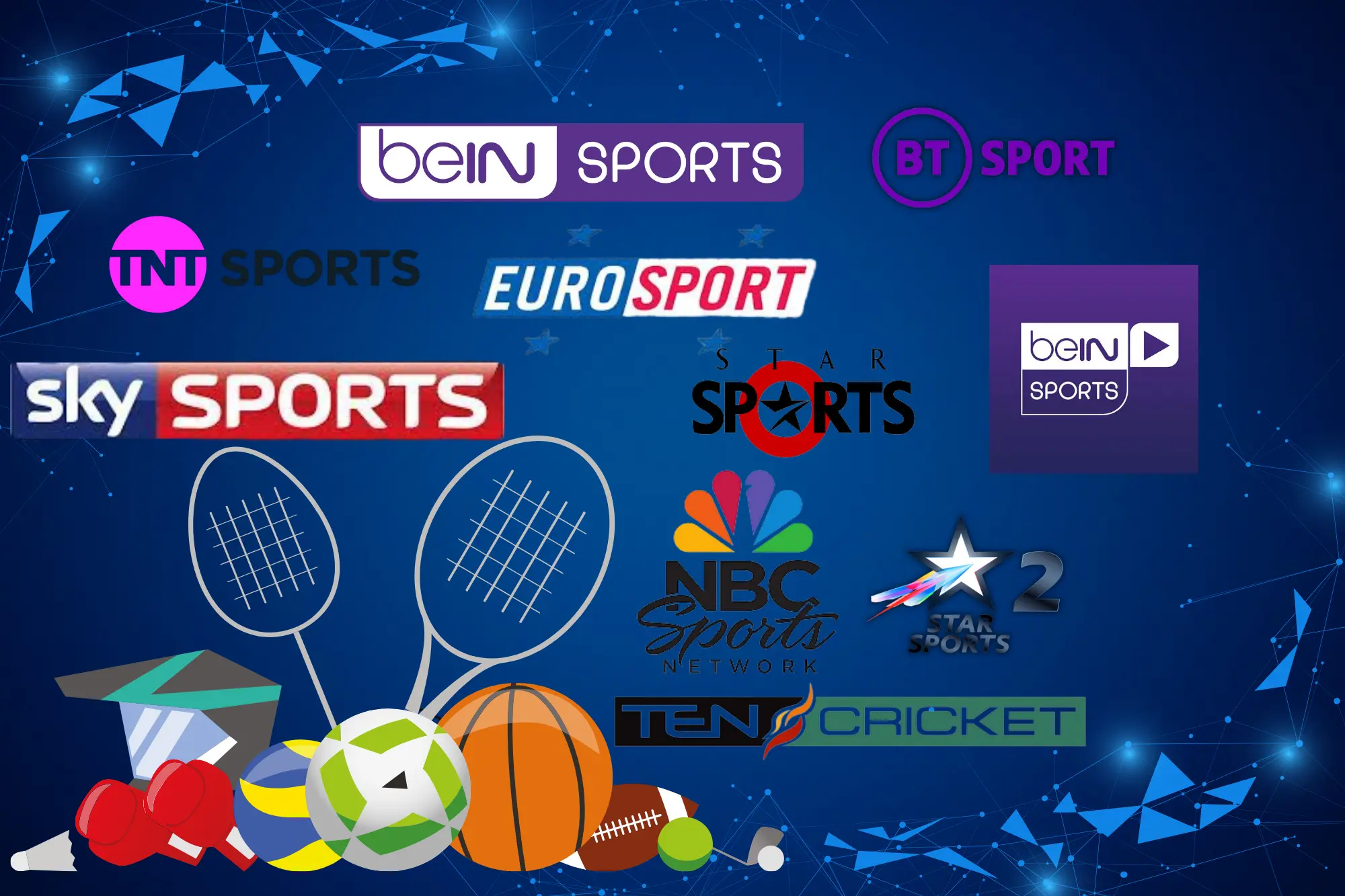
Access live channel categories from the USA, Canada, UK, India and other regions. Channel availability and stream quality can change, so request a trial if a specific channel or region is essential.
Browse movies, series, television programmes and selected sports highlights in the video-on-demand library. Titles, languages, subtitles and video quality vary as the library is updated.
Supported channels may include programme-guide data, catch-up, multiple audio tracks and recording through compatible applications. Availability depends on the channel, device and IPTV player.
Choose an individual GloTV subscription or a credit-based reseller panel. GloTV uses MAC-address activation and works with supported MAG devices and compatible portal applications.

Activate GloTV using the MAC address displayed inside your compatible device or IPTV player. Request a trial before purchasing to check channels, playback and device compatibility.
Create trials, activate customer subscriptions and manage account durations through a credit-based reseller panel. The minimum credit requirement depends on the selected panel level.
Eligible admin accounts can manage resellers and sub-resellers in addition to customer activations. Confirm the included controls, credit requirement and support terms before ordering.
Find setup information for MAG boxes, Android devices, Fire TV, Apple devices and compatible Smart TV applications. Each application may display a different activation MAC address.
GloTV supports MAC-address activation for MAG boxes and compatible portal applications. Users can request a trial, check device compatibility and choose between an individual subscription and credit-based reseller panel options.
How activation works
Activate GloTV by choosing a subscription or trial, opening a compatible MAC-based IPTV player and registering the app MAC address. The portal URL supplied by support is then added inside the player.
Select a GloTV subscription duration or request the available 48-hour trial before committing to a longer plan.
Install a supported MAC-based portal player for your MAG box, Smart TV, Android device, Fire TV or Apple device.
Send support the MAC address shown inside the IPTV player so it can be connected to your GloTV trial or subscription.
Enter the supplied portal URL, reload the player and check the available live channels, VOD categories and programme guide.
Use the MAC address displayed inside the IPTV application. A Wi-Fi router MAC address normally cannot activate an app-based GloTV portal.
Customer feedback
Subscribers and resellers describe their experience with streaming, device compatibility and account management.
View subscription and panel options →
I have been a GloTV subscriber for six months and have been satisfied with the service. The channel range is extensive, buffering is uncommon for me, and the sports channels generally have clear video. Support has also been helpful when I have needed assistance.
The reseller panel makes it straightforward to manage customers and create subscription lines. The mix of channels and on-demand content helps me serve different viewing preferences, while compatibility with multiple devices and apps makes setup easier for customers.
We have used several IPTV providers over the years. GloTV has been one of the more dependable options for us, including during major games and events. We also value the available selection of international channels.
Testimonials reflect individual experiences. Playback can vary according to the channel source, device, internet connection, location and current service availability.

GLOTV SUBSCRIPTIONS
Select a subscription period and the number of connections you need. Prices update automatically for one, two or three connections.
Short-term subscription
$8 USD
for 1 connection
POPULAR
Six-month subscription
$40 USD
for 1 connection
Annual subscription
$70 USD
for 1 connection
Connection pricing is calculated by multiplying the single-connection price. Two connections cost $16, $80 or $140; three connections cost $24, $120 or $210 for 1, 6 or 12 months respectively.
GloTV reseller panels use credits to create trials, activate customer MAC addresses and extend subscriptions. Panel levels differ by minimum credits, reseller controls and account-management features.
Select a panel level based on its credit requirement and account controls. Confirm the current package, payment terms and delivery process with GloTV support before placing an order.
Review the minimum credits and features available with each reseller, admin or distribution panel.
Send the panel level you need through the official GloTV contact page, WhatsApp, Telegram or email.
Support will provide the panel address, account credentials and initial setup instructions before payment so you can confirm that the correct panel level has been created.
Check the panel type, credit allocation and included account controls. Complete payment through the agreed method after confirming the order details.
Quick answers
Find concise answers about GloTV subscriptions, compatible devices, MAC activation, trials, reseller panels and portal setup.
GloTV is a MAC-based IPTV service for compatible MAG devices and portal applications. It provides access to the live television, video-on-demand and programme-guide categories included with the selected subscription.
Compatible options include MAG boxes, Formuler devices using MyTVOnline, Android devices using STBEmu, Fire TV devices, selected Smart TV portal apps and Apple devices using a compatible player such as iSTB. Review the GloTV app and device guides before activation.
Open a supported IPTV player and send support the MAC address displayed inside that app. After the address is registered, enter the supplied GloTV portal URL and reload the player. Do not substitute the MAC address of your Wi-Fi router.
A trial of up to 48 hours may be requested before purchasing a longer subscription. Test it on the same device, app and internet connection you plan to use after activation.
A standard subscription is associated with a registered app or device MAC address and normally permits one active stream at a time. Moving the subscription to another device may require support to update the registered address.
A subscription is intended for individual viewing. A GloTV reseller panel uses credits to create, extend and manage customer subscriptions. Compare the available credit levels on the reseller panel pricing page.
Unused reseller credits remain available until they are applied to customer subscriptions under the current panel terms. Confirm the credit rules for the selected panel level before ordering.
Obtain the current portal URL directly from GloTV support after your MAC address is registered. Avoid portal addresses copied from forums, videos or unrelated websites because server addresses can change.
No. This website covers the MAC-based GloTV IPTV service used with compatible portal players. It is not Glo Fiber’s Glo TV application or Globacom’s separate GLO-TV mobile service. Read the GloTV Apple-device setup guide for the correct installation method.
More setup, account and reseller-panel questions are covered on the complete FAQ page.
View all FAQs